← All user types
Contractor
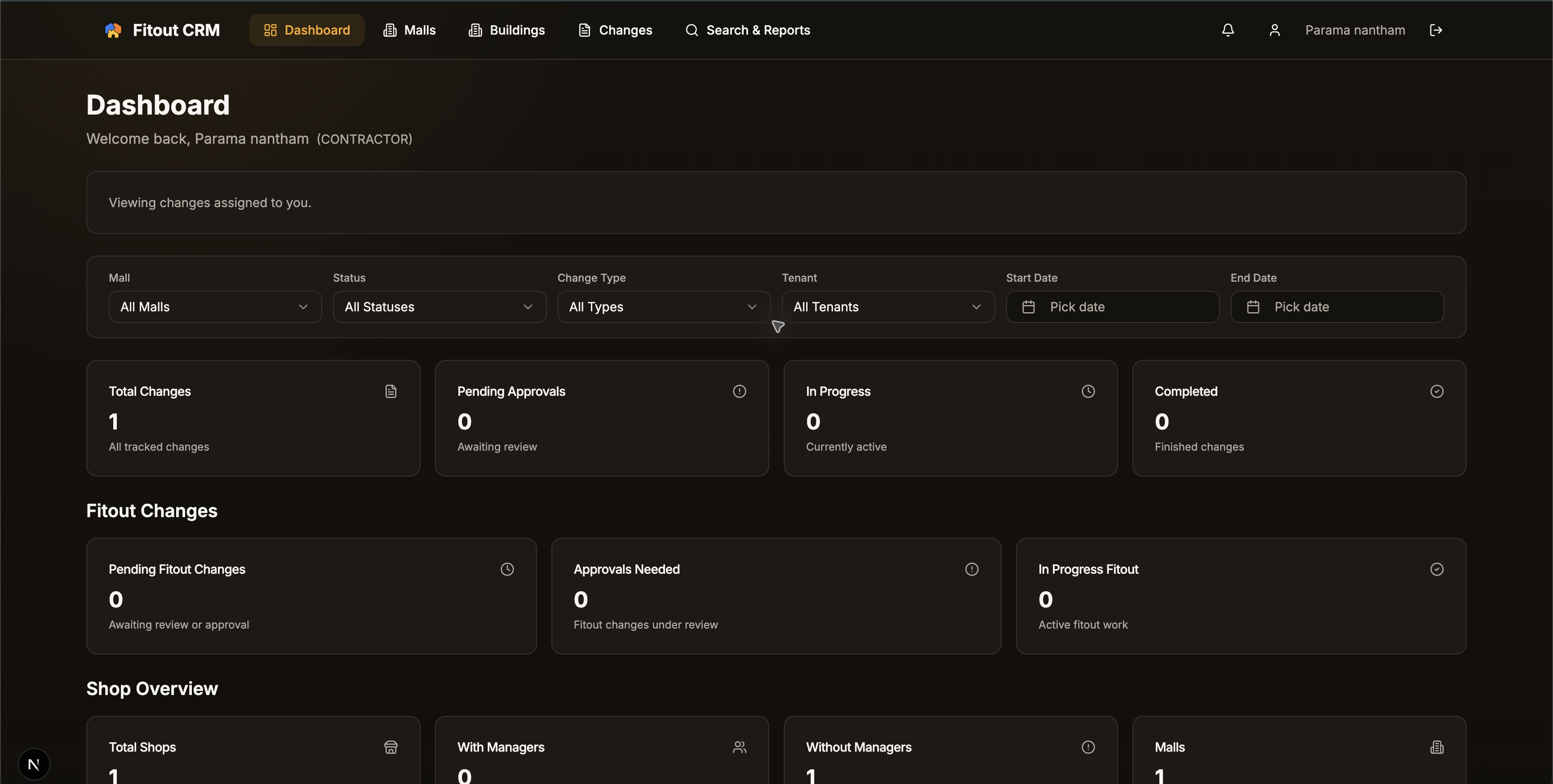
Work from the changes assigned to your team, with the right site context attached.
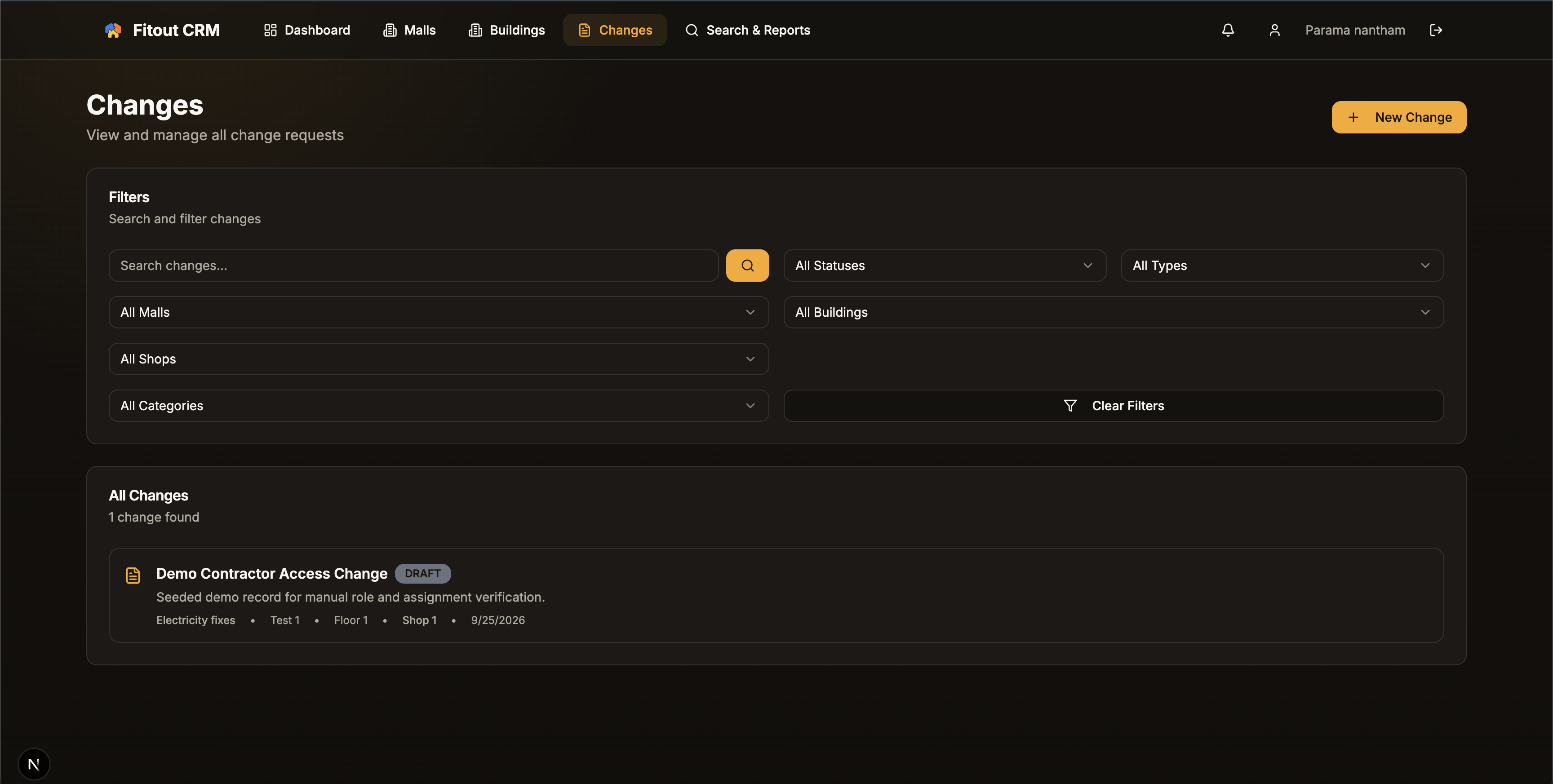
Contractors see only their assigned work, so the next site action is clear and unrelated mall records stay out of the way.
Role explainer
See this flow explained end to end.
What this role sees
The right context, at the right level.
Assigned changes only
The relevant mall, floor, and shop
Current status and request details
End-to-end flow
From login to the next accountable action.
01
Open the focused contractor dashboard
02
Select the assigned change
03
Complete the work and keep status visible to the project team
Verified demo evidence
See the authenticated experience.